
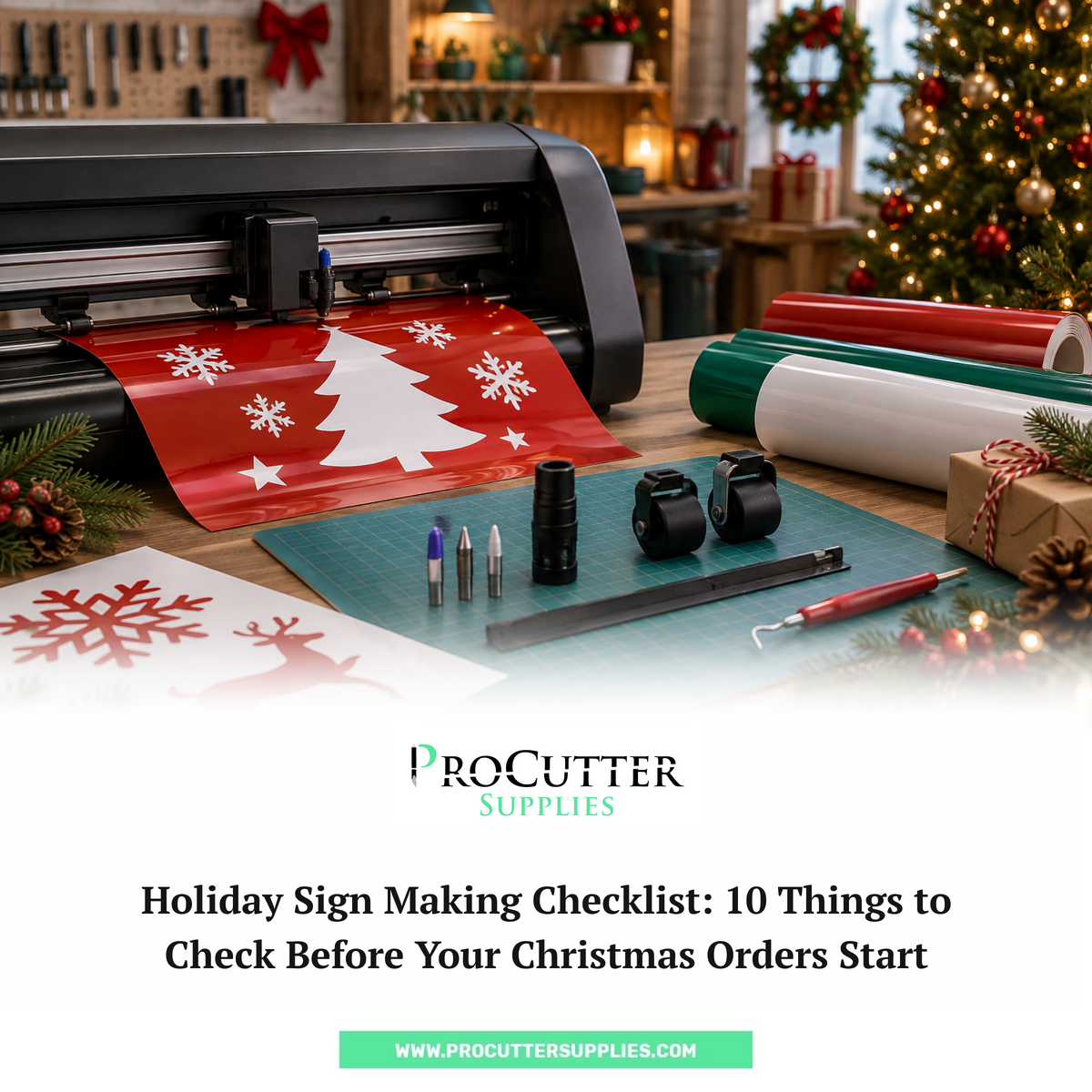
Christmas orders have a way of showing up all at once.
One day your sign shop is handling its usual work. Then suddenly, customers are asking for Christmas window graphics, holiday sale signs, storefront lettering, event signs, decals, and other seasonal projects.
And when several orders come in at the same time, your vinyl cutter is probably going to get a lot more use than usual.
That's why it's worth checking your setup before the holiday rush starts.
A worn blade or damaged cutting strip might not seem like a big deal when you're working on one small decal. But when you're cutting dozens of Christmas vinyl signs, a small problem can quickly turn into wasted vinyl, rework, and missed deadlines.
This holiday sign making checklist covers 10 practical things to check before your Christmas orders start piling up.
1. Check Your Vinyl Cutter Blade
Let's start with the blade.
It's one of the easiest parts to overlook because your cutter may continue working even when the blade is starting to wear.
But there are usually signs.
You might notice:
- Small lettering isn't cutting as cleanly
- Corners are rough
- Vinyl is tearing instead of cutting
- Weeding takes longer
- Some areas aren't cutting completely
- You're adjusting cutting settings more often
If you've been using the same blade for a long time, give it a quick check before the holiday season gets busy.
Run a small test cut using the same type of vinyl you'll use for your upcoming orders.
If the cuts don't look right, don't wait until you're halfway through a large job to replace the blade.
Keep a few suitable vinyl cutter blades ready so a worn blade doesn't bring production to a stop.
ProCutter Supplies carries different genuine Summa blade options, including 36° drag blades, tangential blades, and other blade types for specific applications.
2. Inspect the Cutting Strip
The cutting strip sits underneath the blade path and takes a lot of abuse over time.
Every cut puts pressure on it.
Eventually, grooves and worn areas can develop.
Take a look at yours before starting your Christmas orders.
Check for:
- Deep grooves
- Visible cuts
- Uneven wear
- Areas where the blade has repeatedly hit
- Damage along the main cutting path
A heavily worn strip can affect cut quality, especially when you're doing detailed work.
If yours is looking rough, it may be time for a replacement.
ProCutter Supplies offers a Summa cutting strip replacement designed to fit Summa vinyl cutters.
It's one of those parts that's easy to ignore until it becomes a problem, so checking it before the holiday rush makes sense.
3. Check Your Pinch Rollers
Your vinyl has to move through the cutter smoothly.
If it doesn't, even a perfectly good blade won't save the job.
Take a few minutes to inspect the pinch rollers.
Look for:
- Visible wear
- Cracks or damage
- Dirt or buildup
- Uneven pressure
- Problems gripping the vinyl
Then watch how your media moves through the cutter.
If the vinyl starts drifting or tracking incorrectly during a long cut, you could end up wasting a lot of material.
ProCutter Supplies carries Summa pinch rollers designed to maintain consistent pressure and tracking on compatible Summa vinyl cutters.
This is particularly worth checking if your cutter is going to be running much longer hours during the holiday season.
4. Look at the Blade Holder
Here's another part that often gets blamed on the blade.
Sometimes the blade isn't the problem.
The blade holder can also affect how the blade performs.
Check that:
- The blade sits securely
- The holder is clean
- There is no visible damage
- The blade isn't moving loosely
- You're using the correct holder for your cutter and blade setup
If you've installed a new blade but the cuts still aren't consistent, the holder is worth checking.
ProCutter Supplies carries Summa blade holders for different Summa cutting setups, including drag and tangential applications.
You don't necessarily need to replace the holder every season. Just make sure the one you're using is in good condition before you start taking on larger jobs.
5. Check How Your Vinyl Is Feeding
Good Christmas sign making isn't just about getting the blade settings right.
The vinyl also needs to move correctly through the machine.
Before running a long job, check:
- Is the roll loaded straight?
- Are the pinch rollers positioned correctly?
- Is the material feeding smoothly?
- Is the roll wobbling?
- Is anything rubbing against the vinyl?
- Is there enough space for the material to move?
This matters even more when you're working on long storefront graphics or batches of repeated signs.
A small tracking problem near the beginning of a job can become a very expensive problem several feet later.
If you use a Summa cutter, the right media guide and roller setup can help keep the material moving properly. ProCutter Supplies also carries Summa media guide flanges and accessories for compatible systems.
6. Run a Test Cut Before a Big Christmas Order
This sounds obvious, but it's easy to skip when you're busy.
Don't go straight from loading a fresh roll of vinyl to running a large order.
Do a small test cut first.
Use the same or similar material you'll be using for the actual job.
Check:
- Small text
- Thin lines
- Corners
- Curves
- Cut depth
- Weeding
- Material tracking
If something looks wrong, fix it now.
It's much better to discover a cutting problem on a small test piece than after you've used half a roll of expensive vinyl.
This is especially useful if you've recently changed a blade, adjusted cutting settings, or installed a replacement part.
7. Take a Look at Your Vinyl Stock
Your cutter can be in perfect condition and your order can still be delayed if you run out of vinyl.
Before Christmas orders start coming in, check what you actually have in stock.
Think about the materials you use most often for holiday work.
For example:
- White vinyl
- Red vinyl
- Green vinyl
- Gold or silver vinyl
- Black vinyl
- Printable media
- Transfer tape
You don't necessarily need to buy everything in advance.
But if you know that certain colors or materials are popular with your customers during the holiday season, make sure you have enough available to handle the expected workload.
It's also a good time to check whether your transfer tape, application tools, and other sign shop supplies are running low.
8. Don't Forget Your Cut-Off Knife
A cutter can produce a perfect job, but you still need a clean way to separate the finished material from the roll.
That's where your cut-off knife comes in.
Check that the knife is working properly and that its blade isn't damaged or excessively worn.
If you're using a Summa cutter, ProCutter Supplies carries replacement cut-off knife parts and blades as part of its Summa accessories selection.
It's a small thing, but small things have a habit of becoming big annoyances when you're in the middle of a busy production day.
9. Give Your Cutter a Quick Maintenance Check
You don't need to completely tear down your machine before Christmas.
A basic vinyl cutter maintenance check is enough to catch many common issues.
Start with the parts that see regular use:
☐ Blade
☐ Blade holder
☐ Cutting strip
☐ Pinch rollers
☐ Media guide components
☐ Cut-off knife
☐ General cutting area
Remove vinyl scraps and dust from areas where they could interfere with the machine.
Check the parts for visible wear.
And follow the manufacturer's maintenance instructions for your particular cutter.
For Summa users, keeping commonly used Summa cutter parts nearby can make it easier to deal with normal wear without stopping production for too long.
10. Build a Small Holiday Backup Kit
This might be the most useful thing you do before the Christmas rush.
Create a small box or shelf with the parts and supplies you are most likely to need.
It could include:
☐ Spare vinyl cutter blades
☐ Cutting strip
☐ Blade holder
☐ Pinch rollers
☐ Cut-off knife blades
☐ Extra transfer tape
☐ Frequently used vinyl colors
☐ Basic cleaning supplies
You don't need to stock every part your cutter could possibly use.
Think about what you use most often and what would stop production if it suddenly failed.
For Summa users, ProCutter Supplies offers a range of genuine Summa cutter parts and accessories, including blades, cutting strips, pinch rollers, holders, media components, and other replacement parts.
A Simple Christmas Sign Making Checklist
If you don't have time to go through the full list every time, save this shorter version.
Cutter
☐ Clean the cutting area
☐ Check the blade
☐ Inspect the blade holder
☐ Check the cutting strip
☐ Inspect pinch rollers
Media
☐ Check vinyl stock
☐ Make sure rolls feed correctly
☐ Check media guide components
☐ Keep popular holiday colors available
Test
☐ Run a test cut
☐ Check small lettering
☐ Check corners and curves
☐ Check weeding
☐ Confirm tracking
Backup Parts
☐ Spare blades
☐ Cutting strip
☐ Blade holder
☐ Pinch rollers
☐ Cut-off knife blades
What If Your Cutter Starts Having Problems During the Holiday Rush?
Don't immediately start changing five things at once.
If the cuts suddenly look different, work through the basics.
Start with the blade.
Then check your cutting settings.
After that, look at the cutting strip, blade holder, and material tracking.
For example, if you're seeing rough or inconsistent cuts, the blade may be worn. But the issue could also involve the cutting strip, holder, or pinch rollers.
Checking each part one at a time makes it easier to find the actual problem.
ProCutter Supplies' resources also cover common Summa cutter issues, including cutting strip wear, blade problems, and frequently replaced cutter parts.
Get Your Cutter Ready Before the Christmas Rush
Holiday orders are much easier to manage when your equipment is ready before the work starts.
You don't need a complicated maintenance routine.
Check the blade.
Inspect the cutting strip.
Look at the pinch rollers and blade holder.
Make sure your vinyl is feeding properly.
Run a test cut.
And keep the replacement parts you use most often within reach.
A few minutes of preparation can save you from wasting material or stopping a Christmas order because of a small part that should have been replaced weeks earlier.
If you're using a Summa cutter, you can browse Summa blades, cutter parts, and accessories at ProCutter Supplies and keep your most important replacement parts ready for the holiday season.
The goal isn't to make your holiday production complicated. It's simply to make sure your cutter is ready when those Christmas orders start coming in.
FAQs
How should I prepare my vinyl cutter for Christmas orders?
Check the blade, blade holder, cutting strip, pinch rollers, media setup, and general condition of the cutter. Run a test cut before starting a large order and keep commonly used replacement parts available.
How often should vinyl cutter blades be replaced?
Blade life depends on how often the cutter is used, the materials being cut, and the blade type. Instead of following a fixed schedule, watch for rough cuts, incomplete cuts, difficult weeding, or other changes in cutting quality.
What Summa parts should I keep as spares?
Common spare parts can include vinyl cutter blades, cutting strips, blade holders, and pinch rollers. The right parts depend on your Summa model and the type of work your shop handles.
Can a worn cutting strip affect Christmas vinyl signs?
Yes. A cutting strip with deep grooves or damage can affect how consistently the blade cuts. Checking the strip before a busy production period can help prevent avoidable cutting problems.
What should I test before starting a large holiday signage order?
Run a small test using the same or similar vinyl you'll use for the order. Check small lettering, corners, curves, cut depth, weeding, and material tracking before running the full job.