
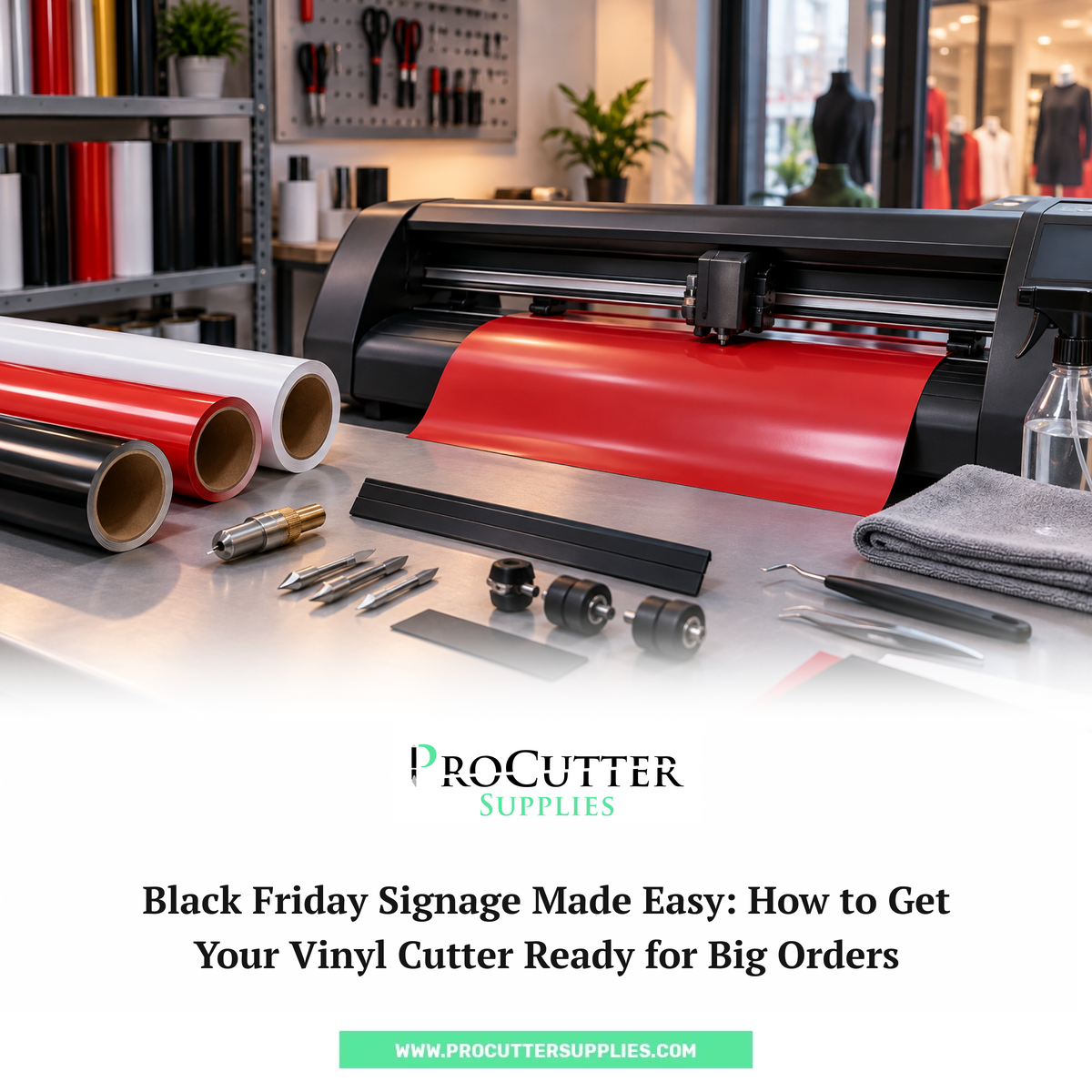
Black Friday can turn a normal week of sign making into a very busy one.
Retail stores need sale signs. Shopping centers need promotional graphics. Small businesses may need storefront lettering, window decals, banners, and displays. And when several orders land at the same time, your vinyl cutter can end up running for hours every day.
That's great for business—until your cutter starts giving you problems.
A worn blade, damaged cutting strip, slipping pinch roller, or missing replacement part can quickly turn a simple order into a production headache.
The good news? You don't have to wait for something to go wrong.
A little preparation before the Black Friday rush can help you keep your cutter running and your orders moving.
Here's a practical checklist to help you get ready for Black Friday signage and larger-than-usual cutting jobs.
What Makes Black Friday Signage Different?
Black Friday signs often come with tight deadlines.
Customers may want their signs ready just before a sale starts, which means you may have several jobs that need to be designed, cut, weeded, and installed within a short window.
You could be working on:
- Storefront sale lettering
- Window decals
- "Black Friday Sale" graphics
- Promotional signs
- Price and discount decals
- Directional signage
- Retail window graphics
- Event signage
- Repeated logos and lettering
- Temporary promotional displays
The designs themselves may not be complicated.
The challenge is usually the volume.
Your cutter may be doing much more work than it normally does, so this is a good time to check the parts that see the most use.
1. Check Your Vinyl Cutter Before the Rush
Before you start running large orders, give your cutter a quick inspection.
You don't need to take the entire machine apart.
Start with the parts that directly affect cutting and material movement.
Check:
- Blade condition
- Blade holder
- Cutting strip
- Pinch rollers
- Media setup
- General cleanliness
- Frequently used replacement parts
If something already looks worn, don't assume it will make it through another few hundred feet of vinyl.
It's much easier to replace a small part before a busy week than in the middle of a large customer order.
2. Start With Your Vinyl Cutter Blades
Your blade is one of the first things to check.
A blade that has been used heavily may still appear fine but produce inconsistent cuts.
You might notice:
- Small letters are harder to weed
- Corners aren't as clean
- Thin details aren't cutting properly
- Vinyl is tearing
- Some areas aren't cutting completely
- You need to change settings more than usual
If you're preparing for a big batch of Black Friday vinyl signs, run a few test cuts before starting the actual order.
If the blade is worn, replace it.
And don't forget to keep a few vinyl cutter blades available as backups.
ProCutter Supplies carries a range of Summa blades, including 36° drag and tangential blades, along with other blade options for specific applications.
Don't Guess When Choosing a Replacement Blade
Not every blade is meant for every cutter or material.
Before ordering a replacement, check:
- Your cutter model
- Blade type
- Blade angle
- Material being cut
- Whether you're using a drag or tangential setup
For Summa equipment, ProCutter Supplies offers Summa vinyl cutter blades in several configurations.
Choosing the correct blade is much better than trying to make the wrong one work.
3. Inspect the Cutting Strip
The cutting strip doesn't get as much attention as the blade, but it can become important when you're doing a lot of cutting.
Look closely at the strip underneath the cutting area.
Are there deep grooves?
Does it have obvious cuts or damaged sections?
Has the blade been repeatedly hitting the same area?
If so, it may be time to replace it.
A damaged cutting strip can affect cutting performance and isn't something you want to discover halfway through a large signage order.
ProCutter Supplies offers a Summa cutting strip replacement for Summa vinyl cutters.
It's one of those relatively small parts that is worth having available before a busy production period.
4. Check Your Pinch Rollers
Your cutter needs to move vinyl consistently from beginning to end.
That's where the pinch rollers matter.
If they're worn, dirty, or not gripping properly, you may notice the vinyl moving unevenly or tracking incorrectly.
That becomes especially frustrating on long cuts.
Imagine getting halfway through a large storefront graphic only to discover that the material has shifted.
Now you're throwing away vinyl and starting over.
Before Black Friday orders start piling up, check the rollers for:
- Wear
- Cracks
- Dirt or buildup
- Poor grip
- Uneven pressure
ProCutter Supplies carries Summa pinch rollers and other cutter accessories, including replacement roller sets and media-related components.
5. Take a Look at the Blade Holder
A new blade won't solve every cutting problem.
The blade holder is worth checking too.
Make sure:
- The blade is seated correctly
- The holder is clean
- Nothing is damaged
- The holder matches your cutter setup
- The blade moves correctly
If you've replaced a blade and your cuts still don't look right, don't immediately assume the new blade is defective.
Check the holder and the rest of the cutting setup as well.
ProCutter Supplies carries Summa blade holders and knife holders for different Summa cutting systems.
6. Make Sure Your Vinyl Is Feeding Correctly
When you're doing vinyl cutting for signage, the cutting itself is only part of the job.
The material also needs to move properly through the machine.
Before starting a large job, check:
- Is the roll loaded straight?
- Are the pinch rollers positioned correctly?
- Is the media moving smoothly?
- Is anything rubbing against the machine?
- Is the roll supported properly?
- Is there enough space for the material to move?
For long Black Friday signs, even a small tracking issue can ruin a lot of material.
Run the media through the machine before starting the actual cut if you aren't sure how it is tracking.
It's a lot easier to catch a problem before the blade starts cutting.
7. Clean Up Before You Start Cutting
A busy cutter can collect plenty of small vinyl scraps and debris.
Before the Black Friday rush, give the cutting area a basic cleanup.
Remove:
- Vinyl scraps
- Dust
- Adhesive residue
- Loose pieces of material
- Anything that could interfere with the cutter
Keep the cleaning simple and follow the manufacturer's instructions for your particular machine.
Don't use random cleaners or lubricants on the cutter without checking whether they're suitable for the equipment.
Good maintenance is mostly about keeping an eye on the machine rather than waiting for something to fail.
8. Run a Test Cut Before a Big Order
This is one of the easiest steps to skip when you're busy.
It's also one of the most useful.
Before running a large batch of Black Friday signs, make a small test cut.
Use the same type of vinyl you're planning to use for the order.
Check:
- Small lettering
- Corners
- Curves
- Fine details
- Cut depth
- Weeding
- Material tracking
If something looks wrong, fix it before committing to the full job.
A few minutes of testing can save an entire roll of vinyl.
9. Don't Wait Until You're Out of Parts
One of the worst times to discover that you need a replacement part is when a customer order is already due.
Before Black Friday gets busy, take a quick look at your supply cabinet.
Do you have:
☐ Spare blades?
☐ A replacement cutting strip?
☐ A spare blade holder?
☐ Replacement pinch rollers if you use them heavily?
☐ Cut-off knife blades?
☐ Other commonly used cutter parts?
You don't need to stock every component your machine uses.
Focus on the parts you use regularly or the parts that would stop production if they failed.
ProCutter Supplies currently offers a broad range of Summa cutter parts and accessories, including blades, cutting strips, pinch rollers, holders, media components, and other replacement parts.
10. Prepare Your Sign Making Supplies
Your cutter isn't the only thing that needs to be ready.
Take a look at the rest of your sign making supplies before the rush begins.
Depending on the type of work you do, that might include:
- Vinyl
- Transfer tape
- Application tools
- Extra blades
- Cleaning supplies
- Squeegees
- Cutting tools
- Spare machine parts
There's nothing worse than having a perfectly working cutter and no material to put through it.
Make a quick inventory before Black Friday orders start coming in.
11. Keep a Backup Blade Ready
If you're expecting a heavy production week, don't keep your replacement blade packed away somewhere difficult to reach.
Keep at least one suitable spare close to the machine.
That way, if your current blade starts producing poor cuts, you can change it and continue working.
For businesses using a Summa vinyl cutter, having the correct replacement blade available can be especially useful when the machine is running continuously.
ProCutter Supplies offers genuine Summa blade options for different cutting setups, including drag and tangential blades.
12. Don't Make Last-Minute Machine Changes
Here's one more thing to keep in mind.
If your cutter is already working well, Black Friday isn't the best time to start making unnecessary changes.
Don't suddenly change blade types, settings, materials, or workflows without testing them first.
If you need to replace something, test it on a small piece of vinyl.
Once you know the setup works, then move on to the customer order.
The goal is simple: keep your production predictable.
Black Friday Vinyl Cutter Checklist
Here's a quick version you can save for later.
Cutter
☐ Clean the cutting area
☐ Check the media path
☐ Check pinch rollers
☐ Check blade holder
☐ Inspect the cutting strip
Blade
☐ Inspect the current blade
☐ Check cut quality
☐ Run a test cut
☐ Replace worn blades
☐ Keep a spare blade ready
Media
☐ Check vinyl stock
☐ Make sure rolls are loaded correctly
☐ Check material tracking
☐ Keep transfer tape and other supplies stocked
Replacement Parts
☐ Spare vinyl cutter blades
☐ Cutting strip
☐ Blade holder
☐ Pinch rollers
☐ Cut-off knife blades
☐ Other frequently used parts
Before the Big Order
☐ Run a test cut
☐ Check small details
☐ Check weeding
☐ Confirm material tracking
☐ Use the tested setup for production
Ready for the Black Friday Rush?
Black Friday signage doesn't have to become a race against your equipment.
The best time to find a worn blade, damaged cutting strip, or tired pinch roller is before you have a pile of customer orders waiting.
Take a little time to inspect your cutter, run a test cut, check your media setup, and make sure your commonly used parts are available.
If you're using a Summa machine, you can find Summa vinyl cutter blades and replacement parts at ProCutter Supplies, including blades, cutting strips, pinch rollers, holders, and other cutter accessories.
Get the machine ready now, and when those big Black Friday orders arrive, you can focus on getting the signs out the door—not fixing problems that could have been caught beforehand.
Frequently Asked Questions
How do I know when my vinyl cutter blade needs replacing?
If your vinyl isn't cutting cleanly, small letters are difficult to weed, corners are tearing, or cuts aren't going completely through the material, your blade may be worn. Running a small test cut can help confirm whether the blade needs to be replaced.
How often should I replace a vinyl cutter blade?
There isn't one fixed replacement schedule. Blade life depends on how often you cut, the materials you use, and the type of blade. Check the quality of your cuts regularly and replace the blade when performance starts to decline.
What should I check before a busy vinyl cutting job?
Check the blade, blade holder, cutting strip, pinch rollers, media setup, and general cleanliness of the cutter. It's also worth running a test cut before starting a large order.
What spare parts should I keep for my Summa vinyl cutter?
For a busy production period, commonly used replacement items can include suitable Summa vinyl cutter blades, cutting strips, blade holders, and pinch rollers. The exact parts you need will depend on your Summa cutter model and workload.
Can a damaged cutting strip affect vinyl cutting?
Yes. Deep grooves, cuts, or excessive wear on the cutting strip can affect the cutting process and may contribute to poor cut quality or unnecessary blade wear. Inspect the strip periodically and replace it if it becomes significantly damaged.